
Vercel Just Shipped React Rules for AI Agents

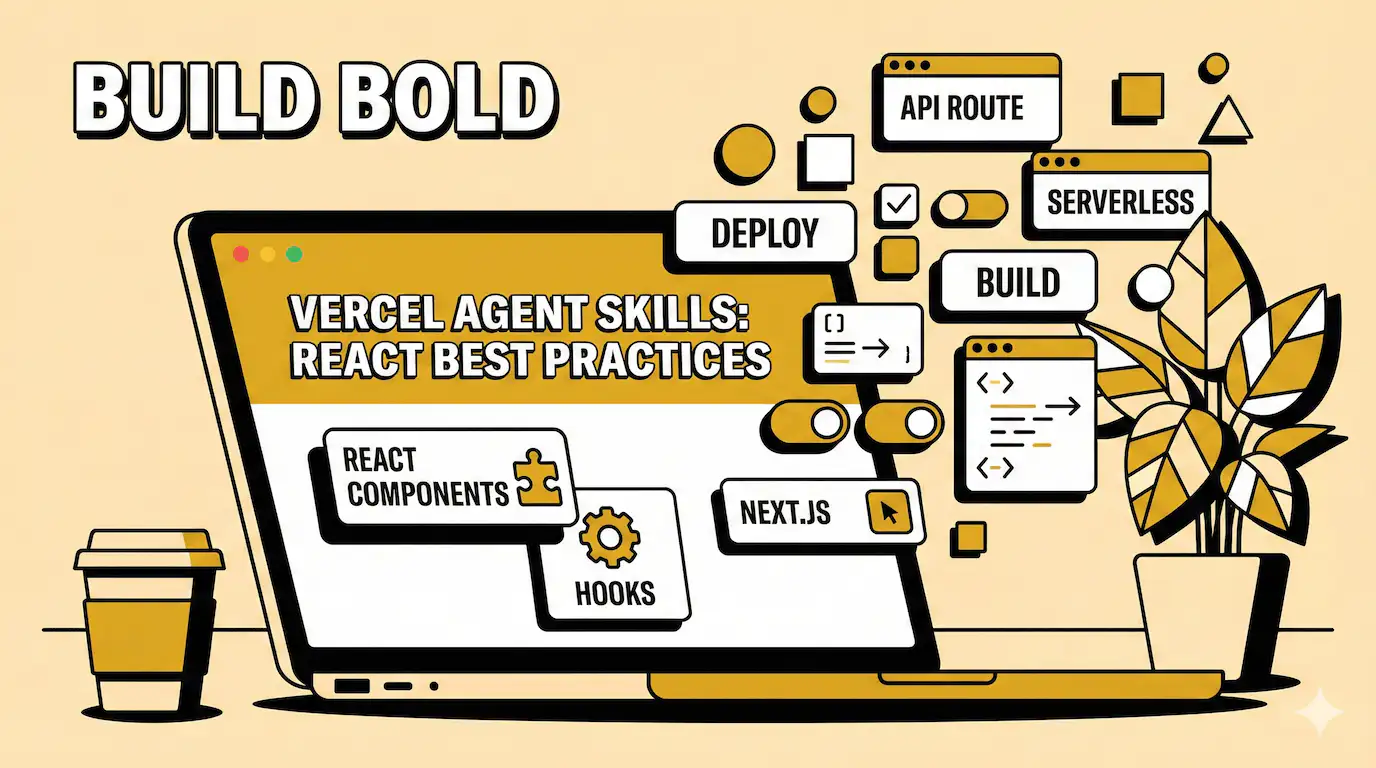
A developer on X posted "just wasted 3 hours tracking down a waterfall" on January 14th. Same day, Vercel released a skill that catches exactly that problem.
The timing was perfect. Or maybe ironic. Depends on whether that developer saw the announcement before going to bed.
Vercel shipped react-best-practices this week. It's a collection of 40+ performance rules packaged for AI coding agents. You install it with one command. Your agent reads it. Then it yells at you when you write slow code.
The idea sounds good on paper. But does it actually help? Or is this another "AI will fix your code" promise that falls apart in production?
What's actually in this thing
The skill covers eight categories. Async waterfalls. Bundle size. Server-side performance. Client-side fetching. Re-renders. Rendering performance. Advanced patterns. JavaScript performance.
Each rule has an impact rating. CRITICAL means fix this now. LOW means maybe later. The ordering matters because Vercel learned something most teams learn the hard way.
If your waterfall adds 600ms, optimizing useMemo won't help.
i've done this. Spent hours micro-optimizing a loop. Felt smart. Then realized the real problem was three sequential API calls that could run in parallel. The loop optimization saved 2ms. Parallelizing the calls saved 400ms.
Vercel's framework starts with the two things that usually matter most. Eliminate waterfalls. Reduce bundle size. Everything else comes after.
The waterfall problem nobody talks about
Here's a pattern that looks fine:
You write an async function. It fetches user data. Then checks if it should skip processing. If yes, it returns early.
Seems reasonable. But the fetch already happened. You waited for data you never used.
The fix is stupid simple. Check the skip condition first. Return early before the fetch. Only grab data when you need it.
This is the kind of thing humans miss. We see "early return" and think we're being efficient.
But the async work already started. The agent catches this. Not because it's smarter. Because it's checking against a list of 40+ patterns humans documented over 10 years.
One of Vercel's examples: a chat page scanning the same message list eight times . They combined it into one pass. Made a difference when messages hit thousands.
Another: an API waiting for one database call to finish before starting the next . The calls didn't depend on each other. Running them together cut wait time in half.
Why fonts make people rage-quit
Vercel included something unexpected. Font fallback tuning .
Headlines look cramped when custom fonts haven't loaded yet. The system font renders. Then the custom font pops in. Layout shifts. Text reflows. Users notice.
The fix isn't loading fonts faster. It's adjusting letter-spacing on the fallback . Make it look intentional instead of broken.
This feels small. But i've seen users complain about "jittery text" on sites. They don't know what CLS is. They just know something feels wrong.
Performance isn't always about speed. Sometimes it's about not looking broken while loading.
How you actually use this
The skill installs into Cursor, Claude Code, Windsurf, and other coding agents. Command is simple:
npx add-skill vercel-labs/agent-skills
After that, your agent has access to the rules . When you write code, it checks. Spots patterns. Suggests fixes.
The Japanese dev community picked this up fast. One developer on Qiita wrote about testing it the same day Vercel released it. They liked that priority 1 and 2 are marked CRITICAL.
Another developer tried the early return pattern. Said it was "easy once you know it, but easy to miss." That's the whole point of this thing.
Reddit was quieter. The r/ClaudeAI sub was talking about agent-browser from Vercel instead. Different tool. Same week. Vercel shipped a lot.
The coding agent rabbit hole
This whole thing assumes you're using AI to write code. Not everyone is.
A few months ago, i would've skipped this entirely. Thought coding agents were for people who can't code. Then i tried Cursor for a weekend project. It wrote boilerplate faster than i could type. Made fewer typos. Caught a few logic errors i would've missed until runtime.
But here's the thing. Agents are really good at patterns. Really bad at context.
Give it a clear task, it flies. Give it a vague goal, it writes garbage.
The React best practices skill helps with the pattern part. It's a reference doc. The agent checks code against known bad patterns. Suggests fixes based on documented solutions.
But it won't understand why your specific app is slow. It won't know that your users are on 3G in rural areas. It won't prioritize based on your actual metrics.
That's still your job.
Who shouldn't bother
If you're building a prototype, skip this. Waterfalls don't matter when you have 10 users and no traffic.
If your app is already fast enough, also skip. Performance work compounds, sure. But "fast enough" is a real threshold. Users don't care if your page loads in 800ms versus 600ms. They care if it loads in 3 seconds versus 1 second.
And if you're not using a coding agent at all, this won't help. The skill is designed for agents. It's a markdown file they read. You could read it too. But it's formatted for machine parsing, not human learning.
The GitHub repo is public. You can browse the rules. Learn the patterns. Apply them manually. But that's not what Vercel built this for.
One more thing about agents
i keep thinking about that X post. Developer spent three hours on a waterfall. Vercel released a tool that catches waterfalls the same day.
That developer probably didn't know about the tool until after fixing the bug. Maybe they saw the announcement later. Wondered if it would've helped.
Maybe it would have. Maybe the agent would've caught it during code review. Flagged the sequential awaits. Suggested parallelizing.
Or maybe the agent would've missed it. Context matters. Real production code is messy. Patterns don't always look like textbook examples.
Either way, the waterfall got fixed. Three hours later. By a human who had to trace through logs and realize what was happening.
That's still how most performance work happens. Reactive. After the problem shows up in production.
Tools like this might change that. Or they might just add another layer of suggestions we learn to ignore.
i'm curious which one it'll be. But i won't know until i've used it for a few months. Until it's caught something real. Or missed something obvious.
For now, it's interesting. Worth trying. Probably helpful for teams shipping React apps with coding agents.
But it won't fix everything. Nothing does.
Enjoyed this article? Check out more posts.
View All Posts