
From Claude Code to Figma: When Your Dev Says "Just Look at Localhost"

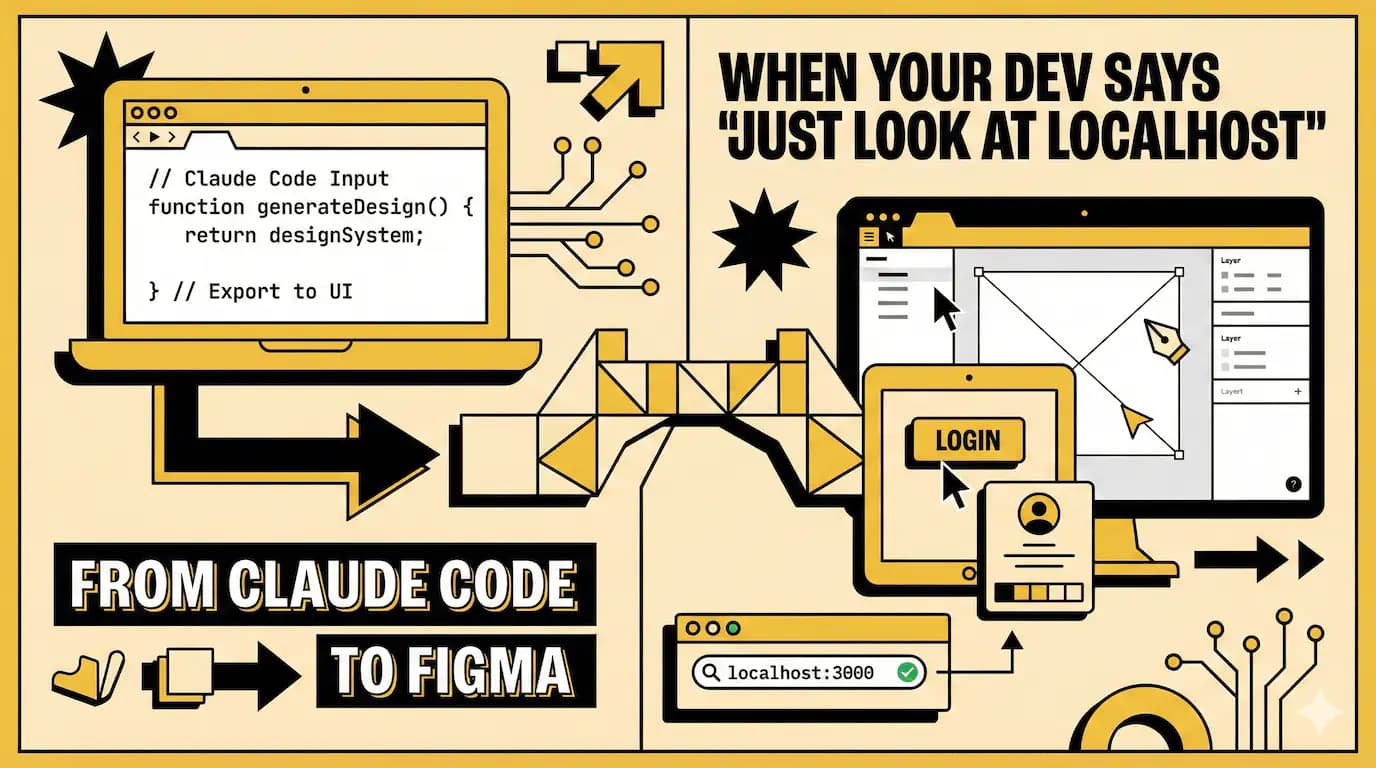
Developers on Reddit keep posting the same question. "How do i get my Claude Code prototype into Figma without rebuilding everything?"
The answers used to be painful. Screenshot every screen. Manually recreate components. Or just give up and keep everything in code.
Figma just released something that makes this less terrible. It's called Claude Code to Figma.
You build stuff in Claude Code. Then you paste it straight into Figma as editable frames. Not images. Not screenshots. Actual frames you can edit.
And you can go backwards too. Take Figma designs and pull them into your codebase through an MCP server.
This matters because the handoff problem has been annoying for years. Designers hate when devs build something different from the mockups. Devs hate when designers want "just one small change" that breaks everything.
Now they're trying to meet in the middle.
Why anyone would build in code first
i used to think code-first workflows were just for people who couldn't design. Wrong.
Sometimes you need real data. You need to see how a table handles 500 rows, not 5 placeholder ones.
Sometimes you need to test actual interactions. A button that triggers an API call feels different than a Figma prototype link.
Claude Code makes this fast now. You prompt it, it builds a working UI, you see it in your browser. Real fonts. Real spacing. Real everything.
But here's what breaks. You build three screens. They work. Then you need feedback from your designer.
What do you do? Send screenshots? They look static and dead. Share your localhost? Now your designer needs to run your dev environment. Record a video? Good luck getting useful feedback on spacing from a screen recording.
You hit the collaboration wall.
My coworker tried this last month. Built an entire dashboard flow in Claude Code. Looked great in browser. Then the design team asked where the Figma file was.
He spent two days recreating everything in Figma. Just so people could comment on it.
That's the problem this is trying to solve.
How it actually works
First you need the Figma MCP server running. It's local. Runs on port 3845.
Open Figma desktop app. Go to Preferences. Enable "local MCP server." You'll see a confirmation message.
Then connect Claude Code to it. Add the server config. The address is http://127.0.0.1:3845/mcp.
Now you can capture screens. You're in Claude Code, looking at your working UI in browser. You type "send this to Figma."
It captures the rendered state. Not the code. The actual visual output.
Copies it to your clipboard. Paste it into any Figma file. It becomes a frame. Fully editable.
You can capture multiple screens in one session. It preserves the sequence so your flow makes sense.
The parts that feel clunky
Here's a question people always ask. "Does it capture responsive states?"
Not automatically. You capture what's visible in the browser at that moment. If you want mobile and desktop views, you need to resize and capture twice.
Another thing. The MCP server setup breaks sometimes.
Users on the Figma forum keep reporting the same error. Invalid sessionId. Invalid request body. The /mcp endpoint returns errors but the /sse endpoint works.
The fix is usually to remove the old server config and re-add it. But you shouldn't have to do that.
And if you update Figma, sometimes the server stops working until you restart the app. Annoying.
What actually happens in the Figma file
The captured frame isn't magic. It's just Figma layers now.
You can duplicate it. Change the text. Adjust spacing. Move things around.
This is where it gets useful. You capture five screens from your working prototype. Lay them out in Figma. Now your whole team can see the flow.
Side by side comparisons become easy. You spot inconsistencies you missed when clicking through localhost.
Designers can duplicate a frame and try a different layout without asking you to change code.
PMs can annotate questions directly on the screens.
And nothing breaks in your actual codebase while people explore ideas.
That's the point. Code is good for converging on one solution. Canvas is good for diverging into multiple options.
Going back to code
So you've captured your UI. Your team made changes in Figma. Now what?
You use the Figma MCP server again. Share the Figma URL with Claude Code. Ask it to implement the design.
It can read design tokens. Extract colors, typography, spacing. Map Figma components to your codebase.
There's even a command called /implement-design that translates Figma frames into code using your project's design system.
And /create-design-system-rules to generate custom guidelines for your team's conventions.
This roundtrip thing is the actual ambition here. Not just code to canvas. But code to canvas and back to code.
Does it work perfectly? No. But it's better than manually syncing everything.
The weird naming thing
Figma also has something called Figma Make. It's different but related.
Make lets you prompt Figma directly to generate prototypes. You type what you want, it creates a working UI inside Figma.
You can copy that into the design canvas too. So now Figma has two AI starting points. Make for prompt-to-prototype. And this new thing for code-to-canvas.
They're treating both as valid ways to start. The philosophy is "start anywhere, then collaborate on the canvas."
Honestly i think they're hedging. They don't know if people will build in code or build in Figma. So they're supporting both. Smart.
When you're building alone
Most tutorials assume you're on a team. Designer plus developer plus PM. All collaborating.
But what if you're solo? Building a side project. No team to hand off to.
This still helps. Here's why.
When you're switching between code and design, you lose context. You're in VSCode editing a component. Then you jump to Figma to check spacing. Then back to VSCode.
Your brain has to reload the mental model each time.
If you capture your working UI into Figma, you can see everything at once. All your screens. The whole flow.
It's easier to spot where navigation feels wrong. Or where two screens don't match.
You can duplicate and try variations without touching code. Then once you pick a direction, go implement it.
It's just faster than jumping back and forth.
The bigger shift happening
This feature isn't alone. There's a pattern forming.
AI can generate code fast. v0, Bolt, Lovable, Replit. They all do prompt-to-code now.
The new bottleneck isn't creating. It's deciding which version to keep.
You can spin up three working prototypes in an hour. But then what? You need to compare them. Refine them. Make them feel right.
That's where the canvas helps. It's a thinking tool, not just an output format.
Figma's betting that visual thinking matters even when you start with code. And they're probably right.
It reminds me of git branches
Not a technical comparison. A workflow one.
You don't commit directly to main anymore. You branch. Try something. If it works, merge. If not, delete.
This feels similar. You build in code. Capture to canvas. Try variations. Pick what works. Pull it back to code.
The canvas becomes your branching layer for visual decisions.
Maybe that's overstating it. But the idea of "explore without breaking production" applies to both.
The honest part
Most people won't use this.
If you're a designer who doesn't code, you'll probably stick with Figma Make or traditional design tools.
If you're a developer who doesn't care about design handoff, you'll just build and ship.
This is for the middle group. People who build prototypes in code but need to collaborate visually. Developers who work closely with designers. Solo builders who want better ways to review their own work.
It's not for everyone. And that's fine.
Also, the setup is still annoying. MCP servers. Config files. Port numbers. That stuff scares non-technical people.
Figma needs to make this simpler if they want wider adoption.
Final thought
i still think the best handoff is no handoff. When designers and developers sit together and build at the same time.
But most teams don't work like that. They're distributed. Async. Different time zones.
For them, this helps. It's a bridge. Not a perfect one. But better than screenshots and Loom videos.
The tool itself isn't the point. The point is reducing friction when moving between code and design.
If you're building something with Claude Code and you need feedback from non-coders, try it. If your designer keeps asking "where's the Figma file," try it.
If it saves you two hours of manual recreation, it's worth the setup hassle.
And if not, well. You'll have learned about MCP servers. That counts for something.
Enjoyed this article? Check out more posts.
View All Posts